
Amazon Subscribe and Save: How It Works, Tips, Tricks & Best Deals
Amazon Subscribe & Save: The Complete Guide
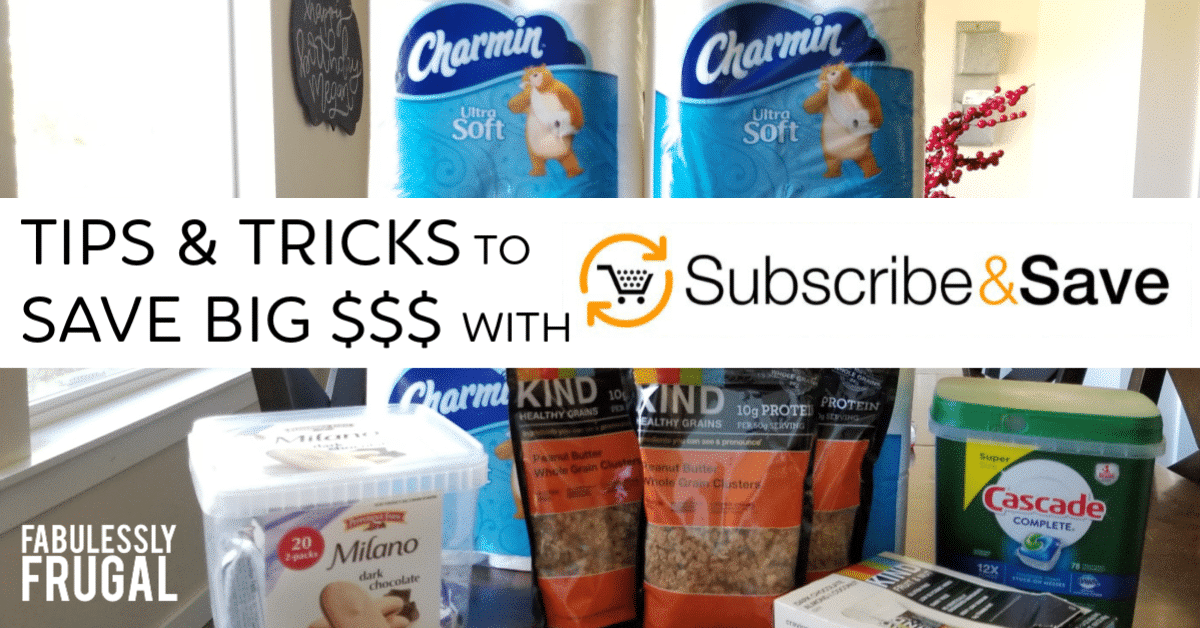
Why I’ve Used Amazon Subscribe & Save Since the Very Beginning
Important: Updated 5/31/2026. All program details, discount tiers, and navigation paths are verified against Amazon’s official pages as of this update.
I have been using Amazon Subscribe & Save since it launched in May 2007 — no joke. I was a loyal user from day one, and nearly two decades later it is still one of my absolute favorite ways to save money without the hassle.
Here is what most people do not realize: you do not need Amazon Prime to use Subscribe & Save. It is open to every Amazon customer, completely free to join, and there is zero long-term commitment. You can skip, change, or cancel any delivery at any time — right from the Amazon app with just a tap.
“I’ve been a loyal Subscribe & Save user since it launched in 2007. It is one of my favorite ways to save — easily, without the hassle of trips to the store or the added temptation of buying things I don’t need while I’m there. I manage everything through my app and everything skips or changes with just a click. And there is no charge, even if you are not a Prime member. Simply a no-brainer, especially with the price of fuel and the time and hassle of bulkier items like paper towels, toilet paper, and laundry detergent.” — Stacy Maines, Fabulessly Frugal
💌 Love saving money on Amazon? Sign up for Fabulessly Frugal email updates and never miss a hot Subscribe & Save deal or coupon stack!
What Is Amazon Subscribe & Save?
Amazon Subscribe & Save is a free program that gives you an automatic discount when you schedule recurring deliveries of products you use regularly. Instead of manually reordering every time you run out, Amazon ships them to you on a schedule you choose — and you save every single time.
It launched in May 2007 as part of Amazon’s grocery store with a promise of automatic delivery, discounts, and free shipping. Today there are hundreds of thousands of eligible products across nearly every everyday category imaginable.
Common items people subscribe to include toilet paper, laundry detergent, dish soap, vitamins and supplements, cleaning supplies, pet food, coffee, diapers, and pantry staples.
How Much Can You Save with Subscribe & Save?
The discount you receive depends on how many Subscribe & Save items ship to the same address in the same month:
- 1–4 subscriptions in a month: approximately 5% off
- 5 or more subscriptions in a month: approximately 15% off on eligible items
- 5 or more subscriptions + Amazon Family (Prime members): up to 20% off on eligible items
Five items to one address in one month is the magic threshold. Once you hit it, your savings jump meaningfully across all eligible items in that delivery. It is worth actively managing your subscriptions to reach that number every month.
On top of the Subscribe & Save discount, many products also have clippable coupons right on the product page. Stacking a coupon with your subscription discount is where the real deals happen — and it is exactly why we feature fresh Amazon Subscribe & Save deals here every single day.
Do You Need Amazon Prime to Use Subscribe & Save?
No — Subscribe & Save is available to all Amazon customers, Prime or not. You get free shipping and the discount regardless of membership status. There is no fee to join and no minimum purchase required.
That said, Prime members who also enroll in Amazon Family can unlock an extra 5% on eligible items — more on that below. If you shop Amazon regularly and aren’t yet a Prime member, check out our guide to getting Amazon Prime free or at a discount — it covers every legitimate way to lower or eliminate the cost.
How to Use Subscribe & Save: Step by Step
- Search for any product on Amazon and look for the Subscribe & Save option on the product page — it typically appears alongside the regular “Add to Cart” button.
- Select your preferred delivery frequency. Options typically range from monthly to every 6 months.
- Check for any clippable coupons on that product page and clip them before you check out.
- Complete your order. Your first delivery ships at the frequency you selected.
- About 5 days before each scheduled shipment, Amazon sends a reminder email showing the upcoming price and discount. This is your window to review, skip, or make changes before anything ships.
To manage all your subscriptions, go to Your Account > Your Subscribe & Save Items on Amazon.com, or use the Amazon app. I manage mine entirely through the app — it takes about 30 seconds.
Best Items to Subscribe To
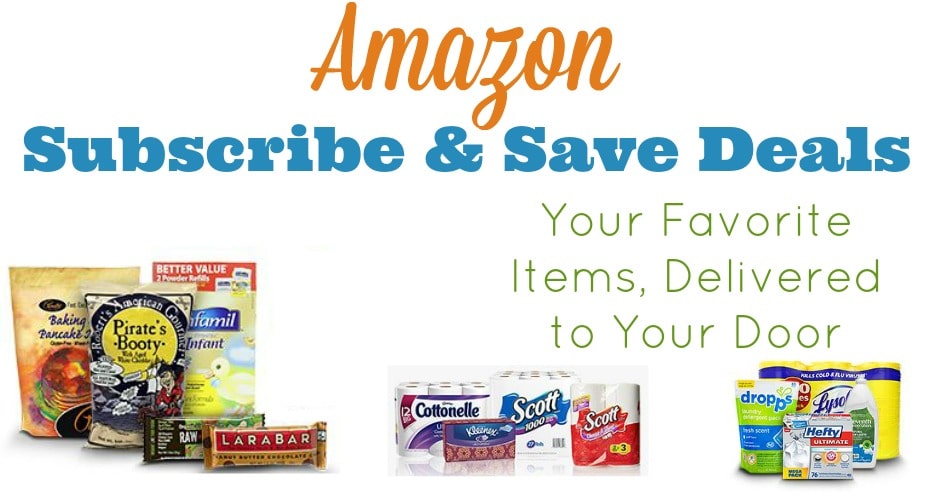
The best Subscribe & Save candidates are things you buy consistently, that won’t expire quickly, and that are annoying or expensive to haul home from a store. Think bulky and heavy — the stuff that makes your cart heavy and your back regret every trip.
Top categories to consider:
- Paper goods: toilet paper, paper towels, facial tissue
- Laundry: detergent, dryer sheets, pods
- Cleaning supplies: dish soap, all-purpose spray, trash bags
- Personal care: shampoo, conditioner, toothpaste, razors
- Vitamins and supplements
- Baby: diapers, wipes, formula
- Pet supplies: food, treats, litter
- Pantry staples: coffee, protein powder, snacks, canned goods
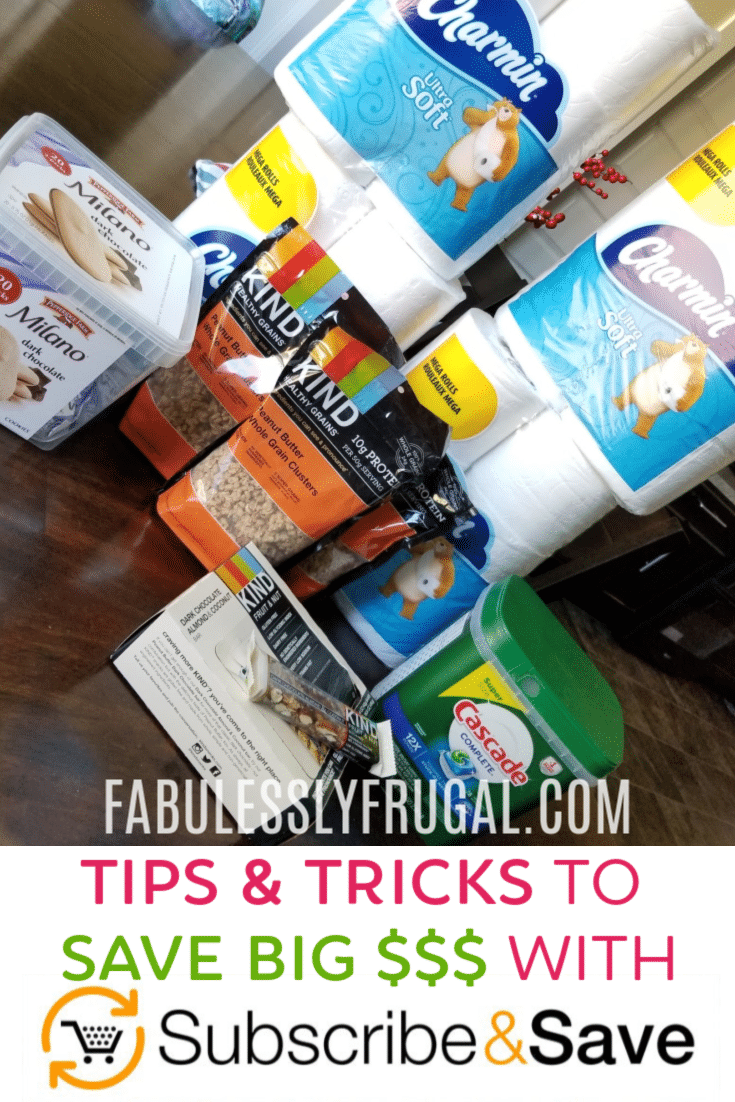
I personally keep laundry detergent, paper towels, and toilet paper on Subscribe & Save year-round. These are heavy, bulky, I never want to run out, and I never want to load them into a cart. Having them show up automatically means one less errand, one less temptation to grab extras at the store, and consistent savings every single month.
The Subscribe & Save Trick: How to Stack the Most Savings
Here is the strategy I have used for years to consistently get the best prices:
Keep a handful of inexpensive everyday items subscribed year-round — things you genuinely always need, like coffee pods, trash bags, dish soap, or vitamins. These “anchor” subscriptions make it easy to hit the 5-item threshold every month and unlock the higher discount tier without any extra effort.
Then each month, add items that currently have a coupon or temporary price drop. When you subscribe to something with a coupon clipped, that coupon typically applies to your first shipment. After it ships, cancel or skip that item if you don’t want it recurring.
If you end up with more items than you need in a given month, simply skip a delivery on one of your anchor items. You will stay at or above 5 items on the others and won’t end up buried in paper towels.
Keep your anchors. Rotate in deals. Skip when needed. That is the whole trick.
Important Coupon Tip: First Shipment Only
If you subscribe to an item because of a great coupon on the product page, know this: that coupon almost always applies only to your first shipment. After that, the price resets to the standard Subscribe & Save price.
This is a completely legitimate deal strategy — it is exactly how savvy shoppers score great prices using Subscribe & Save. Just set a phone reminder to cancel or skip after your first order ships if you only wanted the one-time deal.
We track the best of these coupon-plus-subscription combinations on our Subscribe & Save deals page — updated daily with the top stacks already identified for you.
What Happens If the Price Changes?
This is important to understand clearly: Subscribe & Save prices are not locked in. The price of your subscribed item can go up or down between deliveries based on Amazon’s current pricing at the time your order processes.
Amazon sends a reminder email before each shipment that shows the current price. Always take 30 seconds to review it. If the price has gone up and the deal no longer makes sense, skip or cancel right from that email before the order ships.
This is one more reason the app makes Subscribe & Save so manageable. Everything is one tap away and you are never surprised by a charge you didn’t review.
How to Skip, Change, or Cancel Subscribe & Save
Go to Your Account > Your Subscribe & Save Items on Amazon.com, or open the Amazon app, to:
- Skip an upcoming shipment
- Change your delivery frequency
- Adjust your delivery date
- Cancel a subscription entirely
- Swap to a different size or variant
You can make changes any time before a shipment processes. In many cases you can cancel after it processes but before it actually ships — but that is not guaranteed. Make it a habit to review your reminder email as soon as it arrives and handle any changes right then.
Amazon Family: Extra 5% for Prime Members
If you have an Amazon Prime membership, enrolling in Amazon Family unlocks an additional 5% discount on top of the standard Subscribe & Save rate on eligible products. That means Prime members with Amazon Family can reach up to 20% off on qualifying items when they hit the 5-subscription threshold in a month.
Amazon Family is a free benefit included with your Prime membership — no extra cost, no separate fee. It is designed for households with children and includes perks beyond the extra Subscribe & Save discount, but that additional 5% alone is worth enrolling if you are a Prime member using Subscribe & Save regularly.
Not yet a Prime member? See our guide to getting Amazon Prime free or at a discount before paying full price.
Frequently Asked Questions About Amazon Subscribe & Save
Is Amazon Subscribe & Save worth it?
Yes — for anyone who buys household essentials on Amazon regularly, it is absolutely worth it. The automatic discounts, free shipping, coupon stacking potential, and complete flexibility to skip or cancel anytime make it one of the easiest consistent money-savers available. I have used it since 2007 and have never found a reason to stop.
Do you need Amazon Prime for Subscribe & Save?
No. Subscribe & Save is available to all Amazon customers with or without Prime. You receive the discount and free shipping regardless of membership status. Prime members who also enroll in Amazon Family can unlock an extra 5% on eligible items.
What is the Subscribe & Save discount?
Approximately 5% off with 1–4 subscriptions delivering to one address in a given month, and approximately 15% off when you have 5 or more subscriptions to that same address in the same month. Prime members enrolled in Amazon Family can earn an extra 5% on eligible items, for up to 20% total.
Can you cancel Amazon Subscribe & Save anytime?
Yes. No contract, no cancellation fee. Skip, pause, or cancel any subscription at any time from Your Account > Your Subscribe & Save Items. Make changes before an order processes for the cleanest experience.
Does the price stay the same every delivery?
No. Prices can go up or down between deliveries based on Amazon’s current pricing. Amazon emails you a reminder before each shipment showing the upcoming price so you can review and skip if needed.
What is the Subscribe & Save trick?
Keep a few low-cost everyday items subscribed year-round to anchor your monthly 5-item threshold. Then rotate in items that have temporary coupons or price drops, and cancel or skip them after the first discounted shipment. You consistently hit the 15% tier without overbuying.
How does Subscribe & Save work with coupons?
Clip a coupon on a product page before checking out and it stacks on top of your Subscribe & Save discount — but typically only on your first shipment. After that the coupon expires and you pay the standard subscription rate. Cancel or skip after the first order if you only wanted the deal.
What is Amazon Family and how does it help with Subscribe & Save?
Amazon Family is a free benefit included with Amazon Prime. Prime members enrolled in Amazon Family can earn an additional 5% discount on eligible Subscribe & Save items on top of the standard rate — up to 20% total when you hit the 5-subscription monthly threshold. You can enroll through your Amazon account at no extra charge.
When did Amazon Subscribe & Save start?
Amazon Subscribe & Save launched in May 2007 as part of Amazon’s grocery store. It has grown from a small selection of grocery items to hundreds of thousands of products across nearly every everyday category.
More Ways to Save on Amazon
- 17 Easy Ways to Save Money on Amazon
- How to Get Amazon Prime Free or Discounted
- Amazon Prime Day: Dates, Deals & Pro Tips
- Amazon Haul Deals: How It Works and What to Buy
- 10 Bad Money Habits That Will Keep You Broke
Final Thoughts
Amazon Subscribe & Save has been one of my favorite money-saving tools for nearly 20 years — and it just keeps getting better. Whether you start with two or three household staples or build out a full monthly delivery routine, the savings are real, the flexibility is genuine, and the time it saves is priceless.
Start simple: pick two or three things you already buy regularly and subscribe. Get comfortable with the app, watch the reminder emails, and rotate in deals as you spot them. You will hit 5 items faster than you think — and the savings will follow.
⭐⭐⭐⭐⭐ Have a Subscribe & Save tip or a deal you’ve loved? Drop it in the comments — I read every single one, and your tips help other readers save too! ❤️
Want more easy ways to save money every day?
Trending Posts


Comments
Leave a Reply
More Related Posts




Trending Blog Posts
- Blog
- Recipes
- DIY
- Deals








Report a Problem
Please select the problem you are facing with this deal:
- Price Increased
- Price Decreased
- No longer available
- Expired
- Link doesn't work
- Suggestion
- Compliment
- Other
Add more details:
Thank you for your feedback. We really appreciate it.
Enter your email address if you would like to receive a follow up.
Please Try Again
Thanks for providing the email address.
We will reach out to you as soon as possible.


Popular


Recommended


About Us

At Fabulessly Frugal, our goal is to help you live HEALTHY, WEALTHY, and WISE! My team and I work hard to bring you the best, online deals, clean eating, DIY's, freezer meal recipes, and more! I LOVE coaching and inspiring people to improve their health in my fitness challenge! You should also check out my favorite cleanse! Learn more about me and the rest of my team.


Copyright © 2008–2026
Fabulessly Frugal: A Coupon Blog Sharing Gift Ideas, Amazon Deals, Printable Coupons, DIY, How to Extreme Coupon, and Make Ahead Meals. All rights reserved
very nice